Lift-USB Flash Drives Home Store
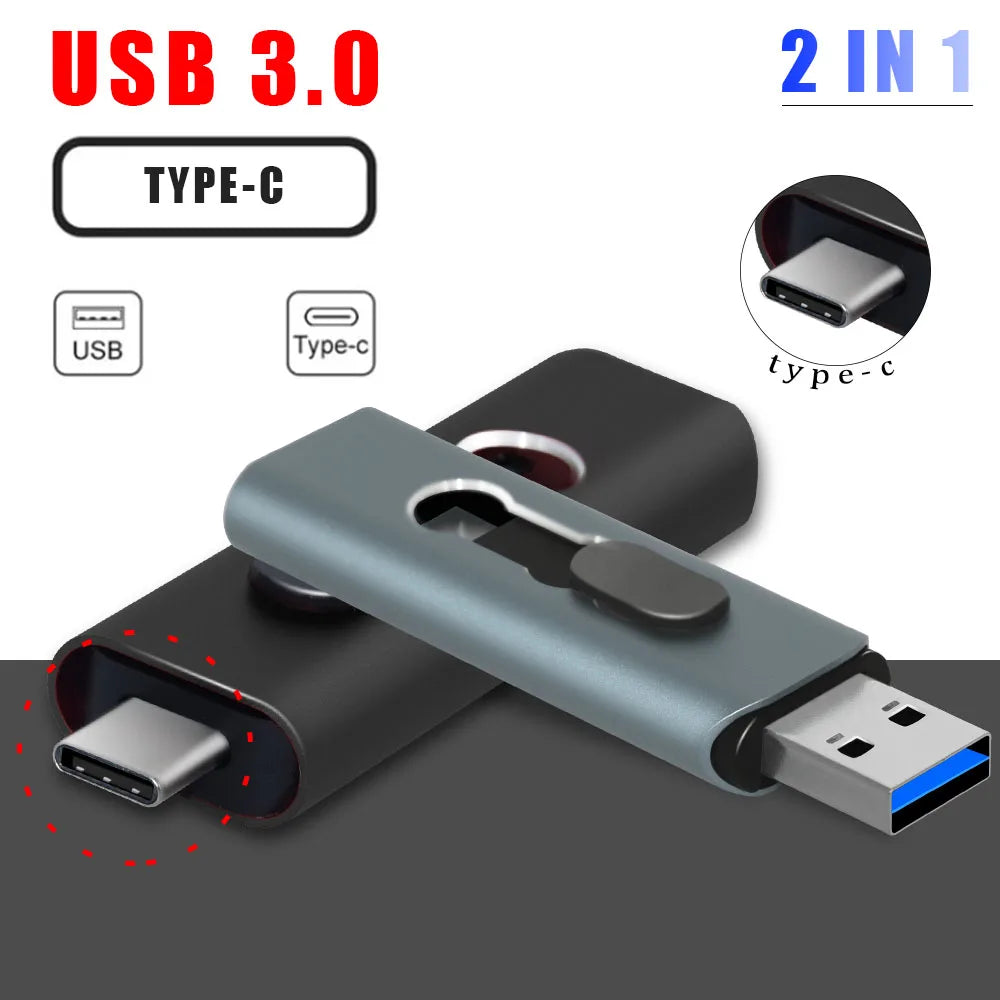
UBS 3.0 OTG USB Flash Drive 64GB Pen Drive 3 in 1 Type C & Micro USB Stick 3.0 Flash Drive 64GB 128GB Pendrive 256GB 32GB
UBS 3.0 OTG USB Flash Drive 64GB Pen Drive 3 in 1 Type C & Micro USB Stick 3.0 Flash Drive 64GB 128GB Pendrive 256GB 32GB
Couldn't load pickup availability

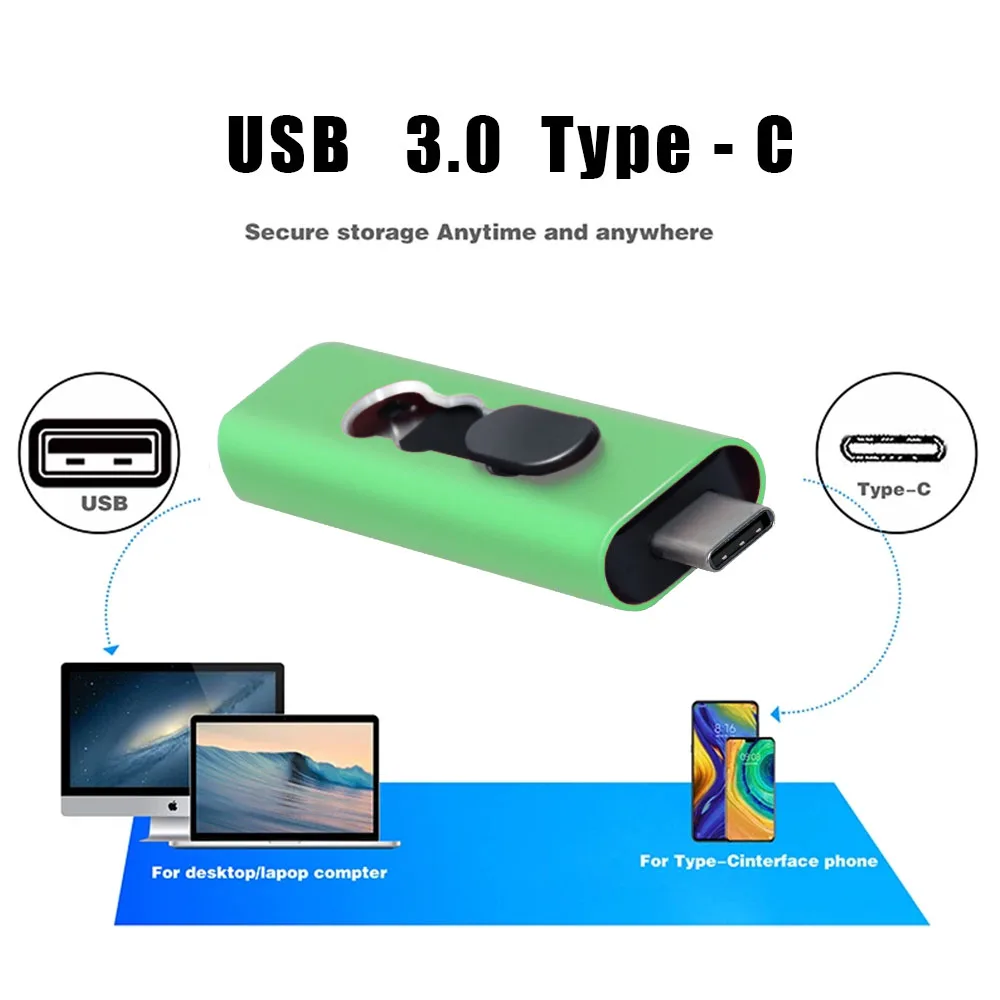
USB 3.0 Features:
• Durable data storage: 4GB/8GB/16GB/32GB/64GB/128GB.
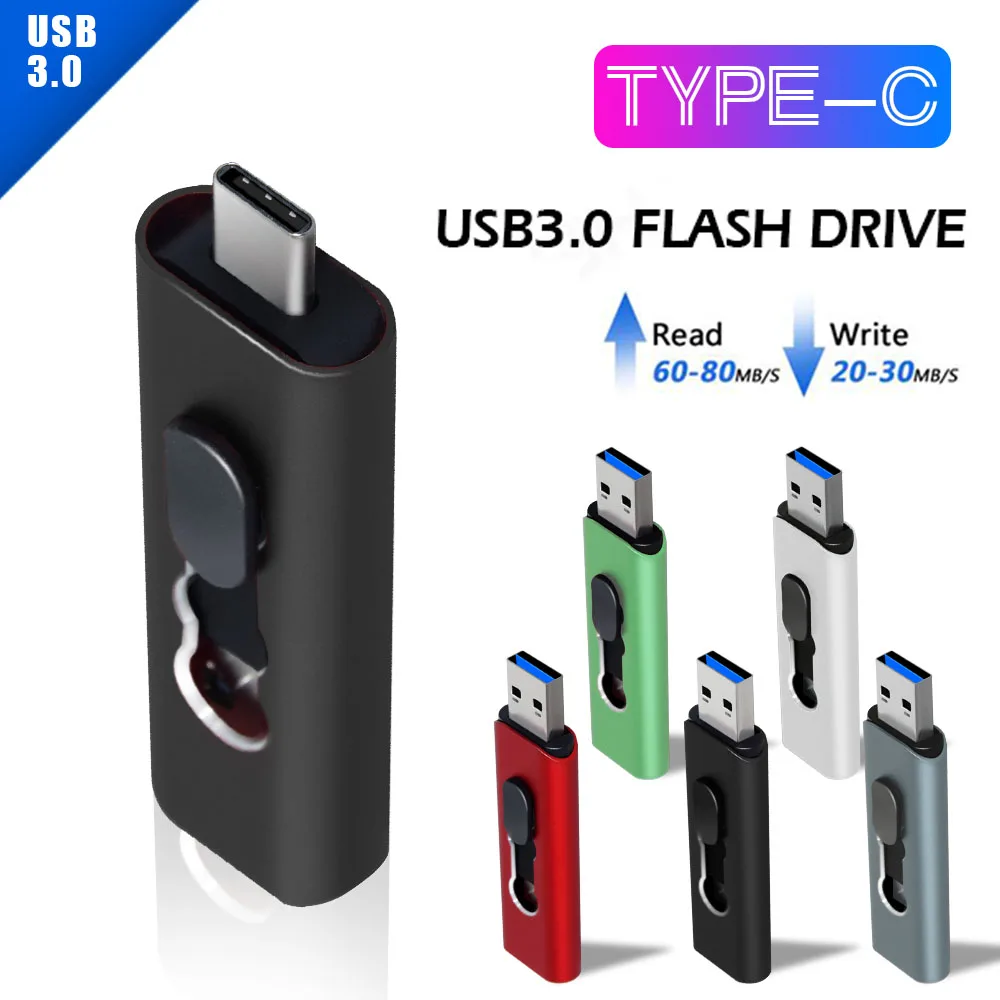
• USB 3.0 high-speed data transfer performance.
• Plug and play: No need drive/power supply only plug in.
• A-class chip: Can be erased repeatedly for 100,0000 times.
• Support Windows computer systems,Can not support Mac system.
• Writing speed: 10-30Mb/s , Reading speed: 40-80Mb/s. The rate of performance depends on the different operation system available and various flash adopted, so the speed maybe different.
Custom logo:
1.when order ≥ 10 PCS,logo free. When order<10 PCS,Charge $5 LOGO fee.
2. Please note that we use laser engraving to customize the LOGO, and the color cannot be customized.
If you need to custom LOGO, please contact customer service.
About USB Capacity:
Due to different ways of computing, or the existing bad block, or some built-in software , the memory capacity of the usb flash drive may show less on the PC . And the more capacity is, the more deviation is.
Storage Industry Area calculation method:
1GB=1000MB=1000*1000KB=1000*1000*1000B
Operation System calculation method:
1GB=1024MB=1024*1024KB=1024*1024*1024B
Therefore, the 1GB storage in the operating system is displayed as: (1000^3)/(1024^3)≈0.93GB
64GB=approximately 58GB-59GB
128GB=approximately 115GB-120GB
256GB=approximately 225GB-245GB
512GB=approximately 450GB -480GB
This is calculation difference between manufacturer and your PC, please search for 'USB flash drive capacity' to get more information.
 notes:
1. In order to avoid data loss or mechanical damage, please do not turn off the computer power during transmission.
2. During use, do not remove the USB flash drive, otherwise data may be lost.
3. After using the USB flash drive, it is best to safely eject the USB flash drive from the computer, which will help extend its storage life.
4. Use FAT32 or exFAT to format the storage disk. Please do not format the USB flash drive frequently, otherwise the USB is easily damaged.
5. Your devices (such as TVs, car players, radios and other devices that need to recognize U disks) must have the latest USB driver to recognize U disks. Many old school can only recognize U disks below 32G.
8.If the U-disk can be recognized by Windows computer, but failure of recognized by other devices, then it is the problem is matter with other device not with the U disk, please pay attention, thank you.
Usage suggestion: Please click "Safe Exit" in system before unplug the U disk after every time finish using.